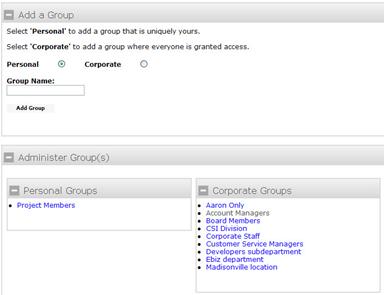
Organize Groups
Create Groups – Personal or Corporate – that allow you to send correspondence to a select group of users with one click. Personal groups are uniquely yours and are only viewable by you. Corporate groups are accessible to your entire organization of users.
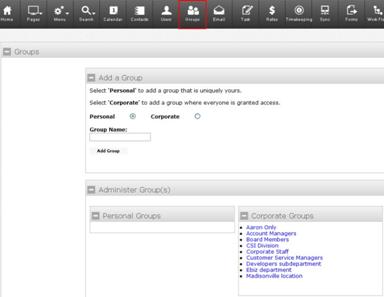
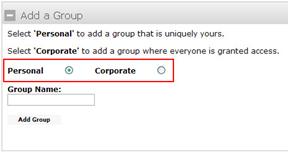
Select Personal or Corporate from the radio button options.
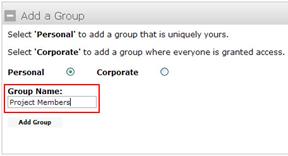
Type a Group Name into the blank text box and click Add Group.
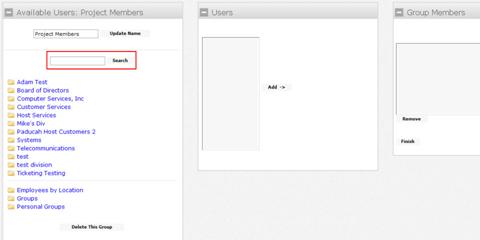
On the next screen, type the name of the person you want to add to the group in the blank text box beside Search.
The name you typed will appear in the Users box. Click Add to make that user a Group Member.
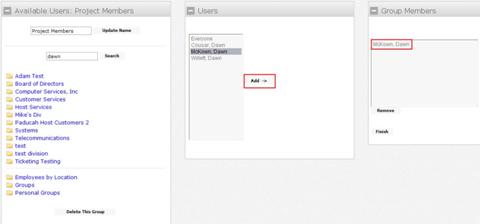
Click Finish when all names have been added. Corporate groups will now display on the Groups screen for everyone to see. Personal groups will only display to the user who created them.