Update Times
Editing an employee’s timesheet allows a manager to change the clock in/out times for an employee. If a user's timesheet is edited or changed, an email notification will be sent to that user.
There are two ways of editing the timesheet:
First is by changing the IN or OUT timestamp. When changing the timestamp, it is important to format the time exactly as the other clock punches.
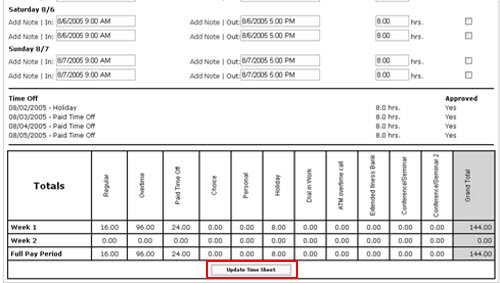
The second way of changing the times is to change the Totals box. By changing the total, the clock out time is changed to reflect the new total.
After making the appropriate changes, be sure to click the Update Time Sheet button for the changes to take effect.
Note: Any manual adjustments made to an employee’s timesheet will override the Increment Amount (Rounding) feature of the Timekeeping system.